
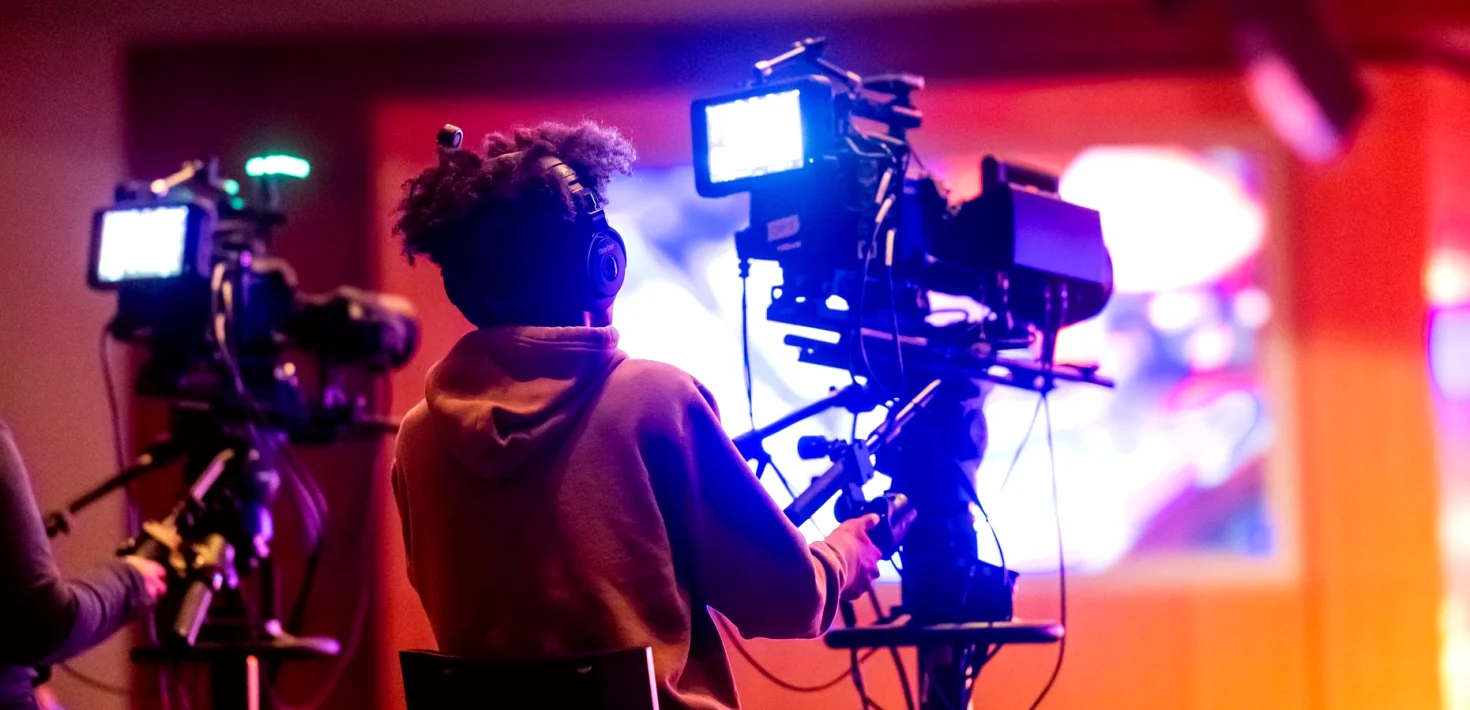
What our operators now handle during a live show: replay, graphics and playout
A look at how real-time video operation sits inside our live crews: who runs replay, graphics, playout and screen feeds, and how that work is organised on a show day.
Why we are writing about operation now
Through these autumn weeks, more of our enquiries start with the same sentence: the cameras are sorted, but who is looking after everything that is not a camera? That question is what real-time video operation answers. It covers the replay machine, the lower-third graphics, the playout of pre-recorded packages and the feeds that go to screens in a venue or to a stream. Until recently many clients treated these as odd jobs shared between whoever was free. We have decided to describe them plainly as a role of their own, with a named operator, because a show runs more calmly when every moving picture has one person responsible for it.
I am Hannah Whitlock, the streaming producer, and I see this from the client side more than most. Before a show I am usually the one asking what has to appear on screen, in what order and who presses the button. When the answer is vague, the problems arrive during the broadcast rather than in the planning. This note sets out how our operators are organised, what each position covers and what we ask clients to settle beforehand, so the arrangement is clear before anyone is standing in a gallery with a headset on.
Replay: the position that never stops watching
The replay operator watches the same feeds as everyone else but with a different purpose. They are logging moments as they happen, marking an in-point, and holding a short clip ready before the director asks for it. On a concert that might be a guitarist's solo or a crowd reaction; on a studio show it could be a guest's gesture or a demonstration that needs a second look. The skill is anticipation. A good operator has the clip cued while the live action is still unfolding, so the vision mixer can cut to it without a pause.
Replay also has to be honest about its limits. A clip needs a few seconds to be marked and checked, and an operator who is rushed will put out the wrong angle. We therefore agree with the director how many replay moments a programme can realistically carry and which cameras are worth isolating. Fewer, cleaner replays usually look better on air than a long run of hurried ones, and they keep the whole gallery in rhythm with the show.
- Mark moments as they happen, not afterwards
- Agree isolated camera feeds before doors open
- Keep a short list of priority moments from rehearsal
Graphics: names, scores and straightforward accuracy
Graphics operators put text and simple designs over the picture: speaker names, song titles, sponsor lines, schedule information, sometimes a scoreboard for a competition. The work looks easy until a name is misspelt or a title appears three seconds late. Accuracy matters more than decoration, so the operator works from a script or running order that the client has signed off, and any change on the day goes through one agreed person rather than being shouted across the room.
We ask for graphics content in a plain document well ahead of the show, ideally with the correct spelling of every name and the order in which items will appear. During rehearsal the operator runs through each graphic on the actual monitors so the producer can check legibility at the size viewers will see it, which on a phone is much smaller than in the gallery. Simple layouts that read quickly tend to survive a live environment far better than elaborate ones.
Playout and screen feeds: getting the right picture to the right place
Playout covers anything pre-recorded that goes to air or onto screens: an opening film, a sponsor message, a break slate, a short interview package. The operator checks each file on the playback system before the show, confirms its length and that the audio is present, and holds the files in the right order so nothing has to be searched for under pressure. When a running order shifts, which it often does, the operator reorders the list and tells the director immediately.
Screen feeds are the other half of this job. At festivals and large events the picture on the stage screens is often different from the programme that goes to a stream or to television. Someone has to decide what appears where, keep the signal paths straight and make sure a late change on one output does not leak into another. Daniel Foster, our technical engineer, plans these routes with the operators so everybody knows which source feeds which destination before the first rehearsal begins.
- Check every file for length and sound beforehand
- Keep the playout list in running-order sequence
- Label each output so screens and stream stay separate
How the operators work with the rest of the crew
None of these positions works alone. The operators sit in the gallery beside the vision mixer, within reach of the director and the producer, and they communicate on a talkback channel using short, agreed phrases. Priya Nair, our lead vision mixer, trains newer operators to speak in cues rather than conversation: what is coming, how long it runs and what it needs from the person next to them. That discipline saves the seconds that make a programme feel steady.
Callum Hartley, who heads live production, assigns operators to shows according to the kind of work, not just availability. A fast music programme needs someone comfortable with quick replay turnarounds, while a studio discussion rewards careful graphics handling. Where a show is small, one operator may cover two functions, and we say so openly in the planning stage so that the client understands what a single person can and cannot do at the same moment.
What we ask clients to settle beforehand
Most difficulties on the day trace back to information that arrived late. We ask clients for a running order, the graphics text, the pre-recorded files in their final form and a clear list of the screens that will receive a feed. We also ask who has authority to approve changes during the show, because two people giving different instructions to an operator is the quickest way to an on-air mistake.
None of this is complicated, and none of it needs to be perfect. A rough running order that is honest about what is uncertain is more useful than a polished one that changes twice. If a client is unsure what a show needs, a short conversation with me or with Callum usually clarifies it, and we would sooner explain what an operator does than have a client discover it during a broadcast.
- A running order, even a provisional one
- Graphics text with names spelt correctly
- Final versions of all pre-recorded files
- One named person who approves changes
Real-time video operation is not an extra layer on top of a broadcast; it is part of how a live show holds together. Replay, graphics, playout and screen feeds each have a named operator on our crews, working to a plan agreed beforehand and a short set of cues during the show. If you are preparing an event this season, tell us what needs to appear on screen and we will work out who looks after it.
Hannah Whitlock
Streaming ProducerHannah plans streaming workflows and graphics for online events. She works closely with clients before, during and after each show.
Tell us what needs to appear on screen
Send us a few lines about your event through the contact form. We will reply with questions about replay, graphics and playout, and suggest how an operator crew could cover it.
Contact- Share your running order, even a rough one
- Tell us which screens and streams need a feed
- Ask about crew size for your kind of show