
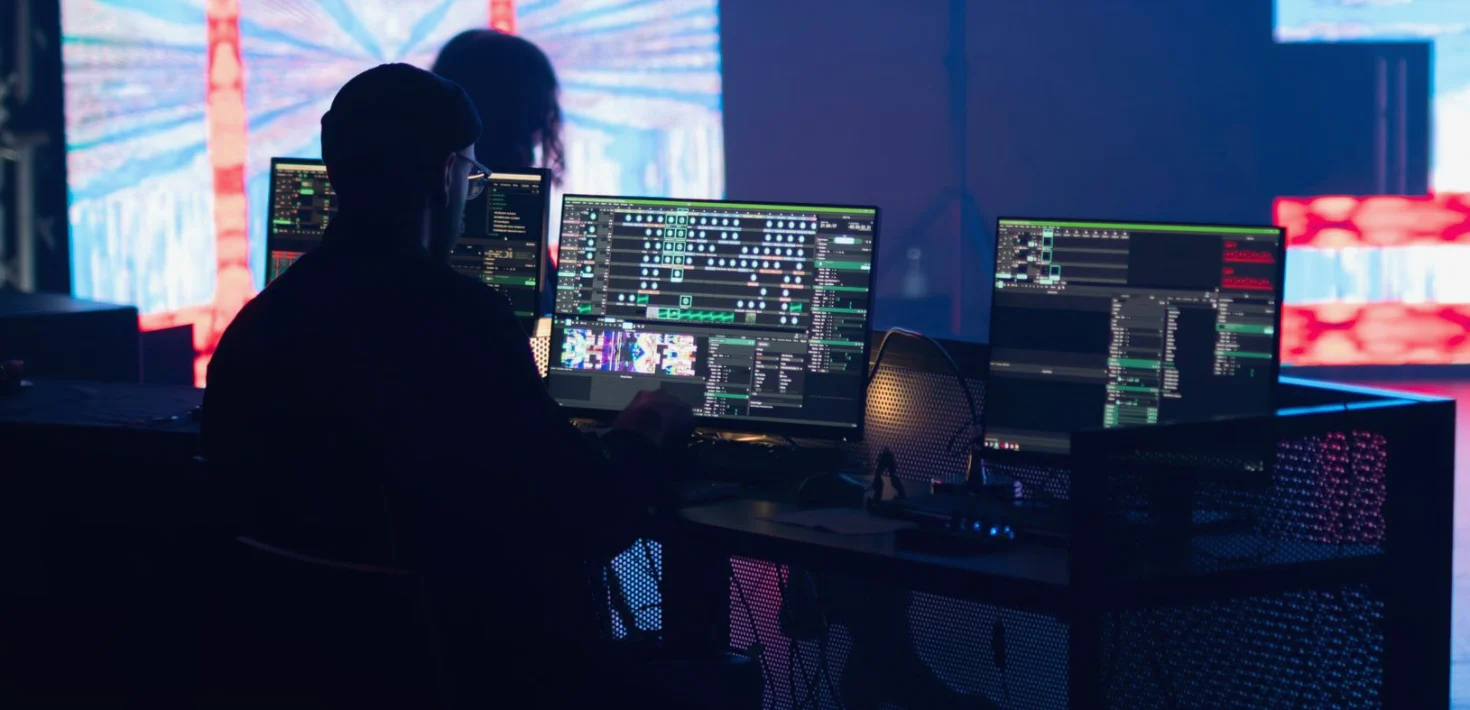
One encoder or two: choosing a backup path for a live stream
A single encoder is simpler to run, a paired setup costs more and asks more of the crew. Priya compares the two for live streams and says which she recommends and why.
The two options on the table
Most streaming briefs we see in these autumn weeks come down to one choice. Either the show leaves the building through a single encoder with a good connection, or it leaves through two encoders running side by side, each with its own route to the platform. Both can produce a clean picture. The difference only appears on the night something goes wrong.
I sign this note as the person who usually sits at the switcher, so I see the consequences from the chair. A single encoder keeps the chain short: one box, one set of settings, one thing to watch. A paired setup adds a second chain that nobody wants to use and everybody is glad to have. The comparison below is about that trade, not about gear lists.
- Option one: a single encoder and one upload route
- Option two: two encoders, two routes, one chosen as primary
- Both start from the same camera feeds and graphics
What a single encoder does well
A single encoder is easy to explain to a client and easy to monitor. Hannah, our streaming producer, can check the bitrate, the frame rate and the platform health on one screen, and the operator at the desk is never wondering which box is actually live. Fewer parts also means fewer settings that can drift apart between two machines.
For a short talk, a rehearsal stream or an internal event where a restart would only cost a few minutes of patience, this is a sensible choice. The audience is small, the viewers are forgiving, and the money saved can go into better cameras or cleaner graphics instead. We would not talk a client out of it for that kind of show.
- Lower cost and a shorter setup day
- One chain to monitor and one to explain
- Suits short, low-stakes, forgiving audiences
Where a single encoder lets you down
The weakness is plain. If the encoder freezes, overheats, loses its network port or needs a restart, the stream stops, and the viewers see a spinning wheel while the room carries on without them. Recovery depends on how fast someone notices and how calmly they act, and the first minute of an outage is the worst place to learn the sequence.
On longer productions the odds simply stack up. A four-hour show gives a fault four times the chance of a ten-minute one. When a stream has sponsors, paying viewers or a presenter who cannot repeat a moment, a hard stop is not only technical; it is a conversation with the client afterwards that nobody enjoys.
- No fallback if the box or its connection fails
- Recovery relies on a fast, calm restart
- Risk grows with the length of the show
What a paired setup adds
With two encoders, the same programme feed goes to both. One sends to the platform as primary; the other sits ready on a separate route, ideally on a different connection, so that a single cable or provider fault cannot take out both. If the primary drops, the second takes over, and in the better arrangements viewers see a short hiccup rather than a dead stream.
This is more to build and more to watch. Someone has to confirm that the backup is genuinely healthy before doors open, not just powered on. Daniel, our technical engineer, checks both signal paths against each other during line-up, because a backup that nobody has tested is only a comforting idea rather than a working safeguard.
- Same programme feed into two encoders
- Separate network routes where the venue allows it
- Backup tested during line-up, not assumed
The costs of doing it twice
Redundancy is not free, and it is fair to say so. You pay for a second encoder, a second connection where one can be arranged, extra cabling and a little more crew attention. The setup takes longer, and the monitoring needs one more pair of eyes on busy days. For a small event that can feel out of proportion to the risk.
It also does not remove every failure. If the problem sits upstream, such as the platform itself, or in the cameras and switcher before the encoders, two encoders will not help. A paired setup covers the final stage only, which is worth knowing before anyone promises the client that nothing can go wrong.
- Extra hardware, connection and crew attention
- Longer build and line-up on the day
- Does not cover faults before the encoders or at the platform
My recommendation
My advice is to let the cost of silence decide. If a stream stopping for five minutes would embarrass the client, lose revenue or cannot be repeated, run two encoders on separate routes and test the backup properly. For concerts, ticketed events and anything with a sponsor attached, I would not plan it any other way.
If the show is short, internal or easy to restart, a single well-monitored encoder is a sound and honest choice, and we say so when clients ask. In between, a good compromise is one encoder plus a ready spare and a rehearsed swap. What matters is that the decision is made early and written down, not discovered on the night.
The choice between one encoder and two is really a choice about what a pause costs you. Neither option is wrong in itself. A single encoder keeps things simple and affordable for forgiving shows; a paired setup earns its place when the audience, the money or the moment cannot be repeated. Decide early, test the backup before the doors open, and brief everyone on who does what if the primary stops.
Priya Nair
Lead Vision MixerPriya specialises in fast multi-camera switching for music and festival productions. She trains our newer operators.
Talk through your stream setup with us
Tell us about the event, the audience and what a pause would cost. We will reply with a clear view of whether one encoder or two suits it, and what the setup involves.
Contact- Share the date, venue and expected audience
- Tell us who must see the stream and where
- We reply with a recommended setup and next steps